From Order to Delivery
Manage the Entire
Materials Process

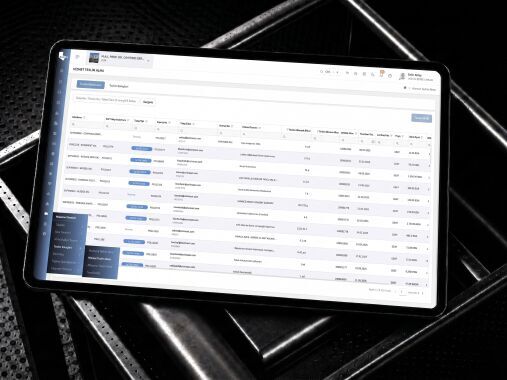
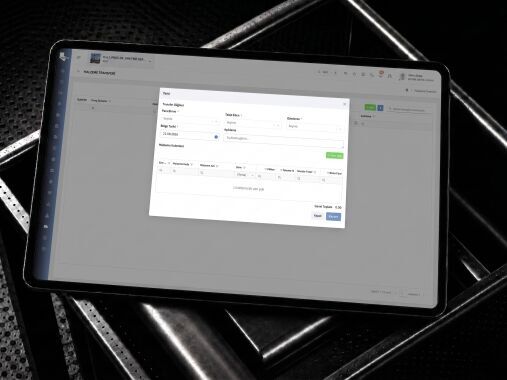
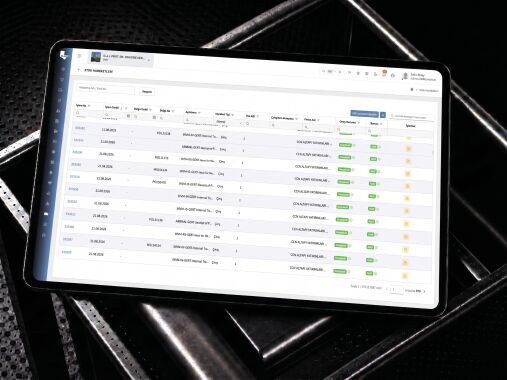
Manage material requirements, procurement processes, warehouse movements, dispatches and foreign trade operations in a traceable and controlled manner via a single platform.

From Order to DeliveryManage the EntireMaterials Process
Home / Solutions / Materials, Warehouse, and Logistics Management

Get a Handle on Your Materials and Logistics Processes

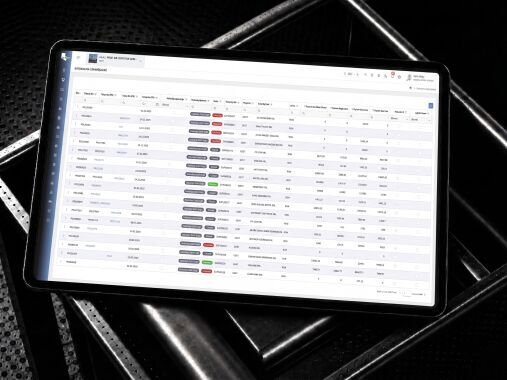
Manage all operations—from material requirements to storage, transfer, dispatch and delivery—using shared and up-to-date data.

Material Requirement and Procurement Processes

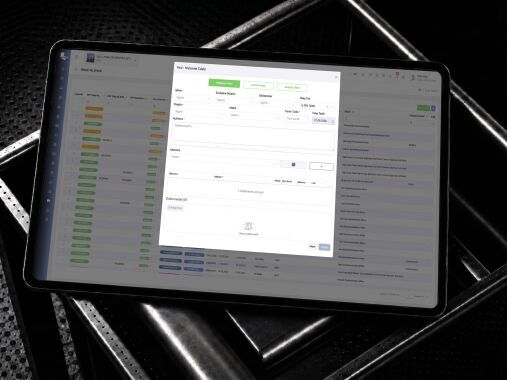
Create project requirements with details of materials, quantities, dates and locations; track request, approval, order and supply statuses.

Warehouse and Stock Management

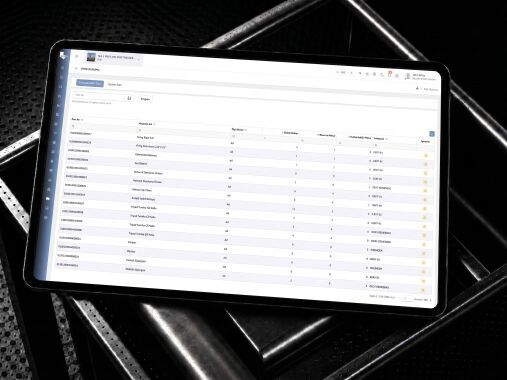
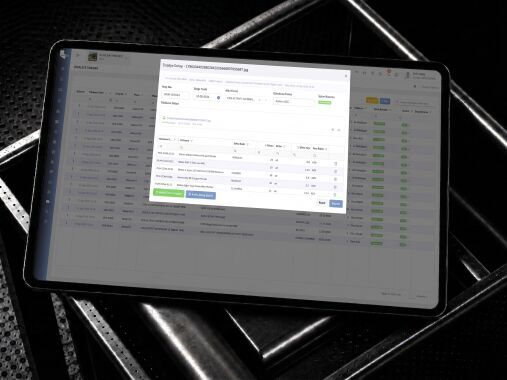
Record warehouse receipts and dispatches, stock levels, reservations, stock-takes and transfers between warehouses.

Barcode and QR Code Management

Identify items using barcodes or QR codes; manage receipt, transfer, delivery and usage transactions quickly and in a traceable manner.

Dispatch and Transport Management

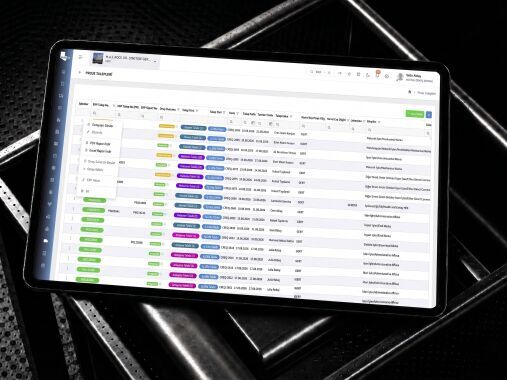
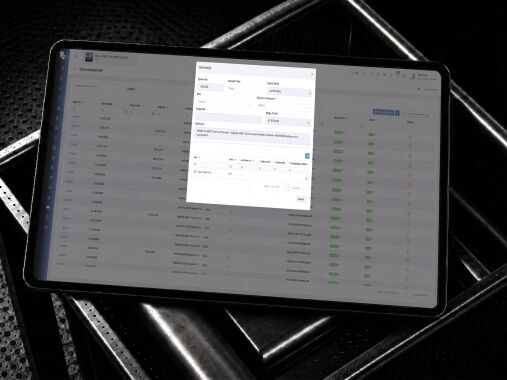
Track your transport operations by planning loads, vehicles, drivers, routes, delivery points and shipment statuses.

Import and Export Management

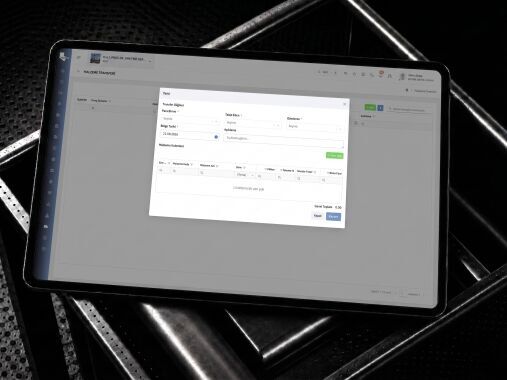
Manage overseas procurement, transport, customs, documentation, tax and delivery processes in a controlled manner.

Workflows Defined for Each Module

Rather than explaining the entire platform in a single flow, explore how each module works step by step.

Materials, Warehouse and Logistics Management

Material Requirement and Procurement Processes

Create project requirements with details of materials, quantities, dates and locations; track the status of requests, approvals, orders and supplies.

01

Create a Materials Requirement

Enter the materials required for the project into the system, specifying the quantity, unit, required date, location and technical specifications.

Create a Materials Requirement
02

Submit the Request for Review and Approval

Initiate the decision-making process by forwarding the request for materials to the relevant technical, budgetary and management departments for approval.

Submit the Request for Review and Approval
03

Check Stock Availability

Check the stock levels and reservation status of the requested materials in the current warehouses.

Check Stock Availability
04

Track Your Order and Delivery

Track the quantity ordered, the expected delivery date, the dispatch status and the materials received.

Track Your Order and Delivery
05

Resolve the Request

Update the request status upon delivery of all or part of the materials and close the process.

Resolve the Request
01

Define the Repository Structure

Create project warehouses, sub-warehouses, shelves and stock locations in the system.

02

Carry Out the Receipt of Materials

Receive incoming goods into the warehouse after checking them against the order, delivery note, quantity, quality and delivery details.

Carry Out the Receipt of Materials
03

Record Stock Movements

Record warehouse receipts, dispatches, returns, consumption, wastage and adjustment transactions.

Record Stock Movements
04

Transfer Between Warehouses

Transfer materials in a controlled manner between different warehouses, construction sites or work areas.

Transfer Between Warehouses
05

Keep Track of Stock Levels

Track current, reserved, available, critical and excess stock levels by material.

Keep Track of Stock Levels
01

Identify the Material

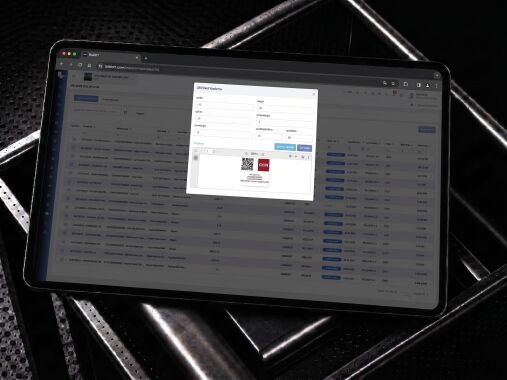
Create a unique barcode or QR code for materials, packages, pallets or equipment.

Identify the Material
02

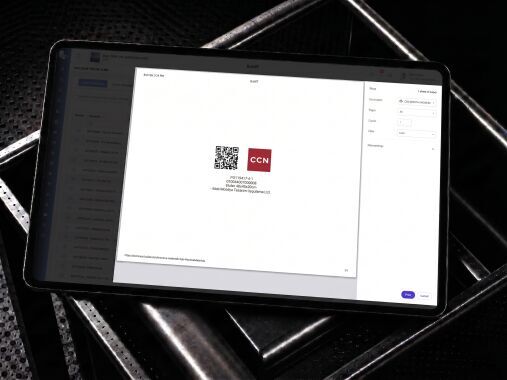
Print Labels

Print labels containing the material name, code, quantity, warehouse and project details.

Print Labels
03

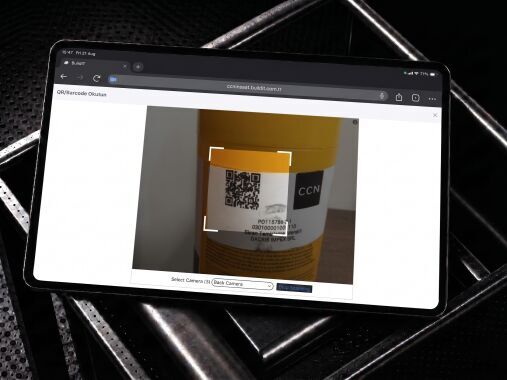
Scan at Goods Receipt

Quickly enter goods arriving at the warehouse into the system using a mobile device or a barcode scanner.

Scan at Goods Receipt
04

Control Movements via Code

Carry out transfer, dispatch, delivery, return and consumption transactions by scanning a barcode or QR code.

Control Movements via Code
05

Track Your Activity History

Track when, by whom, from which warehouse and to which location the materials were moved.

Track Your Activity History
01

Create a Dispatch Request

Please specify the goods to be transported, the quantity, the departure warehouse, the delivery point and the planned date.

Create a Dispatch Request
02

Specify Vehicle and Transport Details

Enter the vehicle, driver, haulage company, capacity and the necessary transport documents into the system.

Specify Vehicle and Transport Details
03

Draw Up the Loading Plan

Draw up a loading plan based on the vehicle’s capacity, the delivery sequence and site requirements.

Draw Up the Loading Plan
04

Start the shipment

Record the dispatch time and transport status by completing the loading check.

Start the shipment
05

Track the Delivery Process

Track the status of your shipment: in transit, delayed, at the delivery point or completed.

Track the Delivery Process
06

Confirm Delivery

Please verify the delivered goods in terms of quantity, condition, the person who took delivery, and the delivery documents.

Confirm Delivery
01

Set Up Your Foreign Trade Registration

Record the goods to be imported or exported in the system, including details of the country, supplier, delivery terms and mode of transport.

02

Prepare the Documents

Please attach the invoice, packing list, certificate of origin, consignment note and any other necessary documents to the process.

03

Track Your Delivery Schedule

Track the loading, departure, arrival and transhipment dates for road, air or sea freight.

04

Manage the Customs Process

Gümrük beyannamesi, vergi, masraf, izin ve kontrol durumlarını kayıt altına alın.

05

Track Your Costs

Track the cost of materials, transport, insurance, customs duties and other foreign trade costs all in one place.

06

Complete the Delivery and Warehouse Receipt

Complete the acceptance and stock-taking procedures by delivering the materials, for which customs formalities have been completed, to the project warehouse.

Manage Your Processes End-to-End with BUILD IT

Integrate your design processes with BUILD IT’s other solution areas; manage project data seamlessly from design to the field.