Keep Your Project Under Control
from Site to Head Office
Compare planned and actual progress, track on-site construction in real time, and manage project reports all from a single platform.

Compare planned and actual progress, track on-site construction in real time, and manage project reports all from a single platform.
Track progress in a consistent, up-to-date, and measurable way by consolidating work schedules, on-site construction activities, and project reports on a single platform.

Compare planned and actual project progress; identify delays, deviations, and critical activities in a timely manner.

Record and track on-site production activities, including location, quantity, date, team, and status.

Create daily and weekly project reports using field data; share the current status with relevant stakeholders.
Instead of explaining the entire platform in a single flow, explore how each module works step by step.
Compare planned and actual project progress; identify delays, deviations, and critical activities in a timely manner.
Enter the project's activities, start and end dates, durations, and progress milestones into the system.
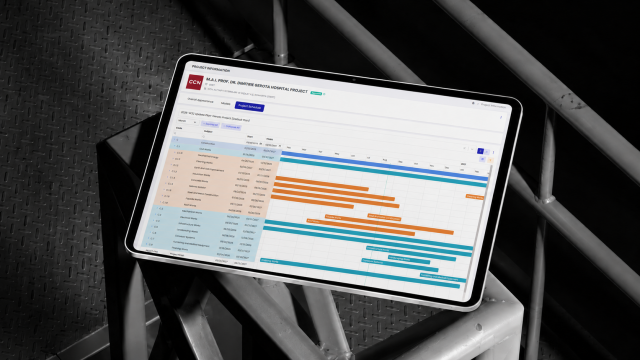
Link the activities in the work plan to the relevant manufacturing operations, locations, disciplines, and responsible teams.
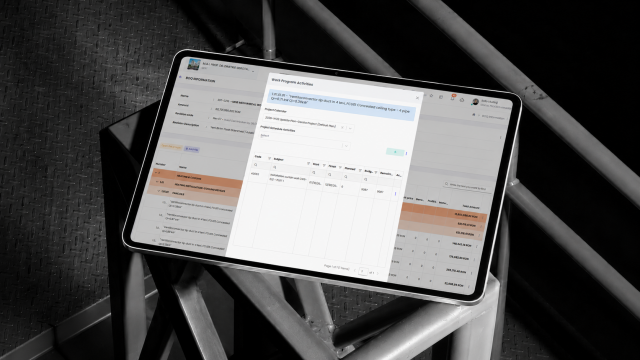
Check the completion percentage, actual quantity, and work details reported from the field
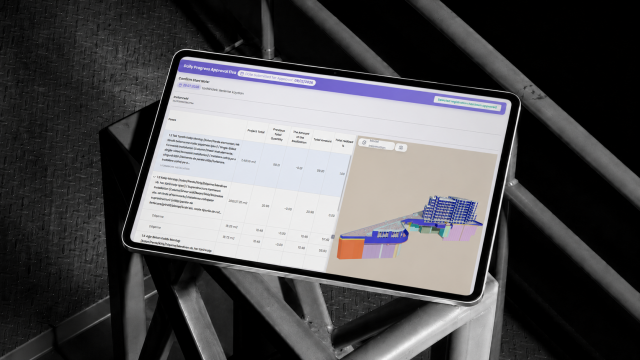
Planlanan ilerleme ile sahadaki güncel gerçekleşmeleri tarih ve aktivite bazında karşılaştırın.
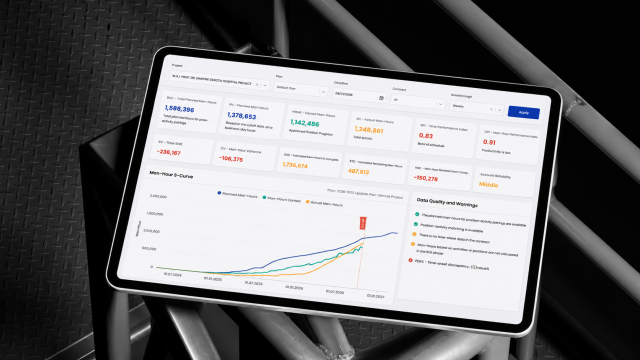
Sahada gerçekleştirilen imalatları konum, miktar, tarih, ekip ve durum bilgileriyle kayıt altına alın ve takip edin.
Create the construction tasks to be tracked in the project, including information on discipline, work item, floor, room, and work area.
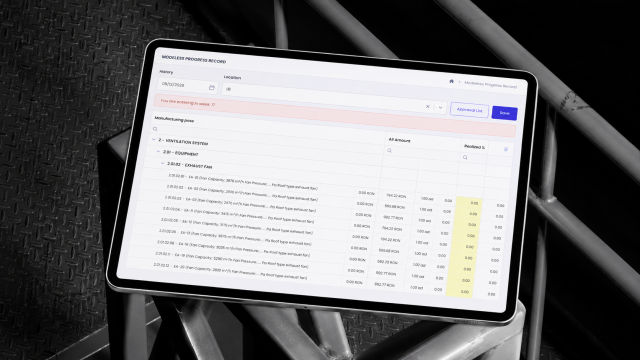
Determine the company, team, and site supervisors who will carry out the manufacturing, and assign responsibilities.
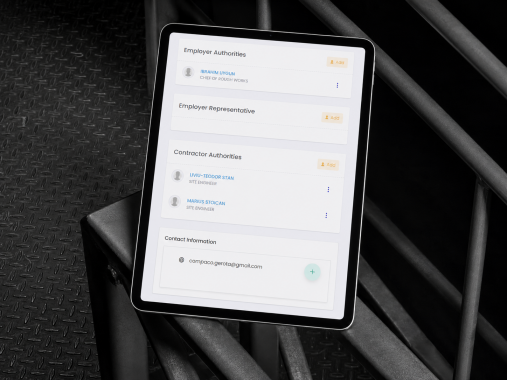
Record the completed work on-site, including details such as quantity, date, location, description, and photos.
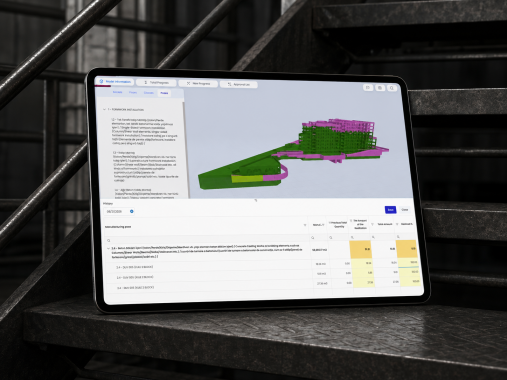
Track production based on statuses such as “Not started,” “In progress,” “Completed,” “On hold,” or “Problematic.”
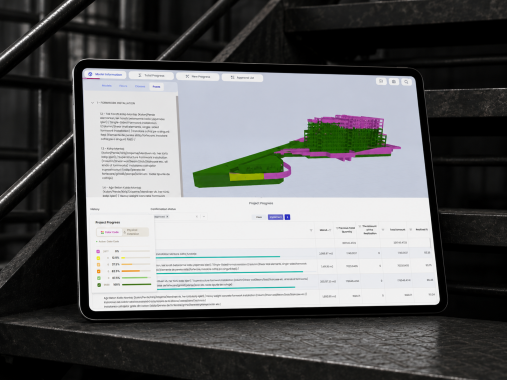
Create final completion records by subjecting completed production to the relevant inspection and approval processes.
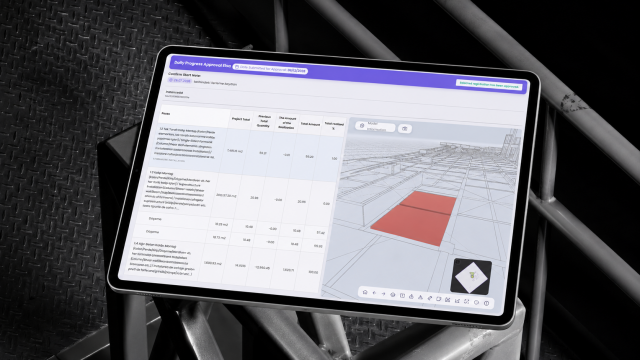
Create daily and weekly project reports using field data; share the current status with relevant stakeholders.
To generate a daily or weekly report, select the project, date, location, and reporting period.
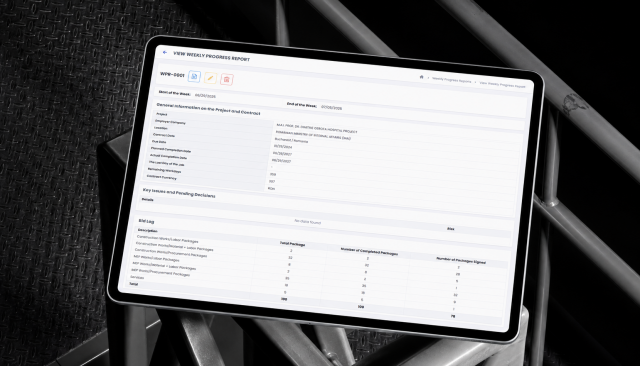
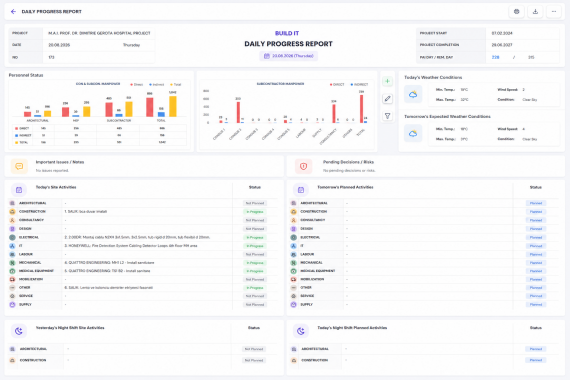
Consolidate personnel, equipment, weather, production, progress, occupational safety, and field notes into a single report.
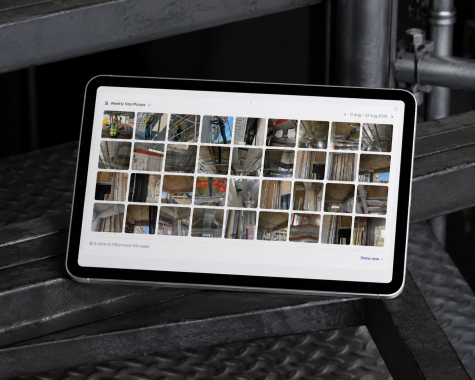
Include current photos, descriptions, and key developments that support the activities in the field in the report.
Review the generated report for missing or incorrect data and make the necessary corrections.
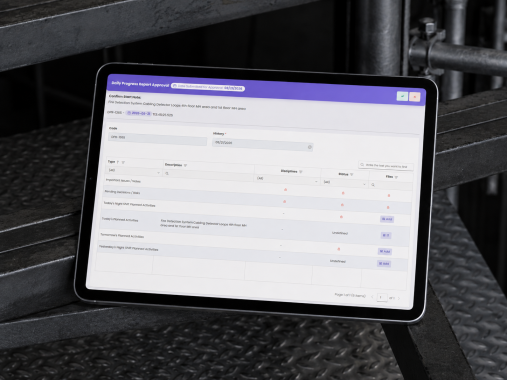
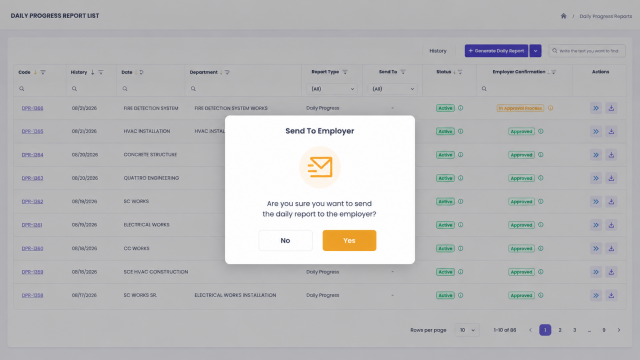
Generate the approved report in PDF or Excel format and share it with project stakeholders.
Integrate your design processes with BUILD IT’s other solution areas; manage project data seamlessly from design to the field.