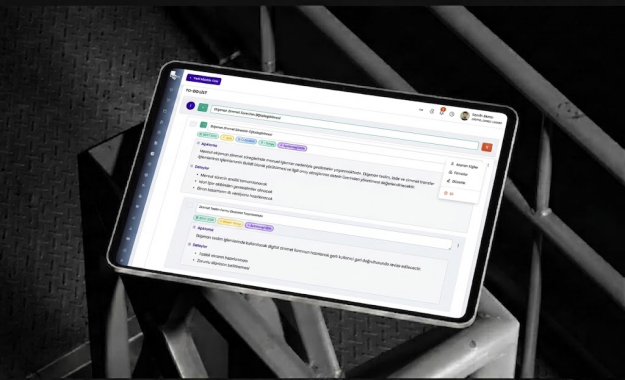
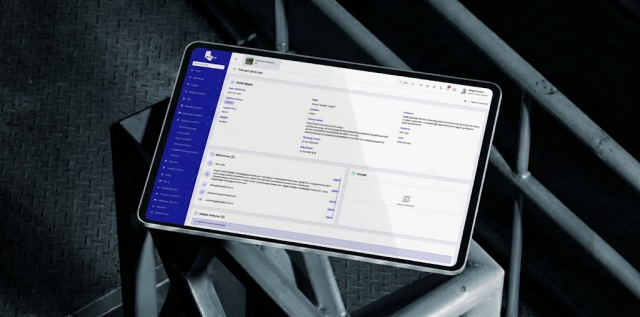
From Documents to Decisions
Keep All Your Information
Under Control

Manage documents, revisions, technical requests, official correspondence, meeting decisions, and action items through a single platform with full control and traceability.

From Documents to DecisionsKeep All Your InformationUnder Control
Home / Solutions / Document and Correspondence Management

Manage Project Information Securely and with Full Traceability

Bring documents, technical requests, official correspondence, and meeting records together in a unified structure to prevent information loss and version confusion across project communications.

Document and Revision Management

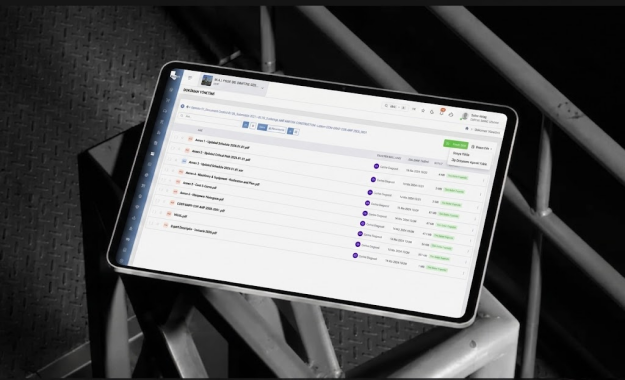
Manage documents by folder, discipline, document type, and project structure; track versions, revisions, publication status, and distribution history.

Technical Information and Approval Processes

Create RFIs, submittals, and technical review requests; assign them to the relevant stakeholders, and keep a complete record of responses and approval workflows.

Project Correspondence

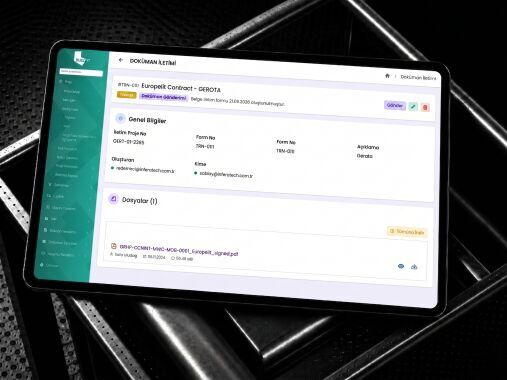
Manage official project correspondence, transmittal records, recipients, and distribution lists in a controlled and traceable manner.

Meeting and Decision Management

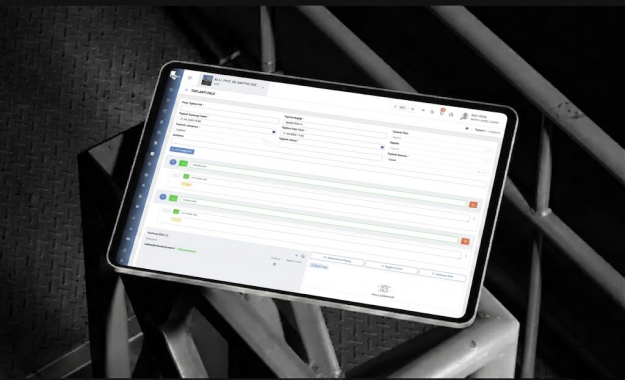
Record meeting agendas, participants, decisions, and action items; track progress by assignee and due date.

Predefined Workflows for Each Module

Rather than viewing the entire platform as a single workflow, explore how each module works through its own defined steps.

Document and Correspondence Management

Document and Revision Management

Manage documents by folder, discipline, document type, and project structure; track versions, revisions, publication status, and distribution history.
 

01

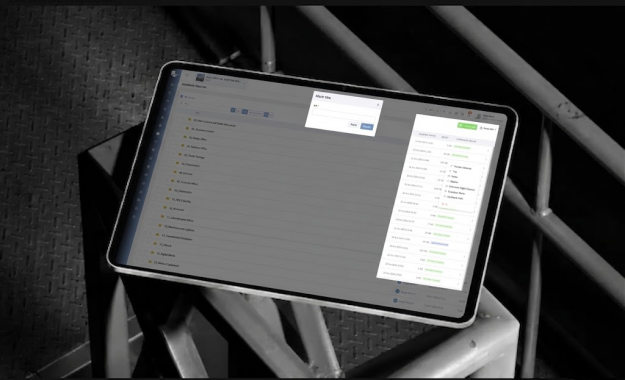
Create Your Own Folder

Name your folder as needed, define user access permissions, and link the folder to another screen or module when necessary.

Create Your Own Folder
02

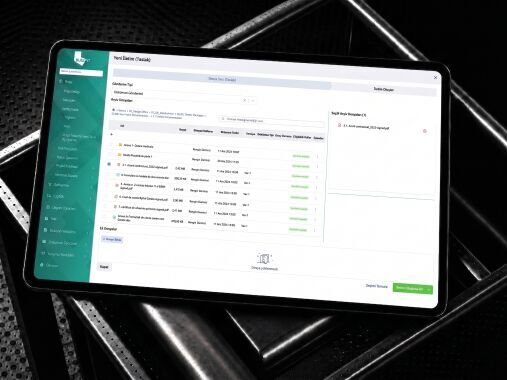
Add Files to Your Folder

You can upload a single file or multiple files in ZIP format.

Add Files to Your Folder
03

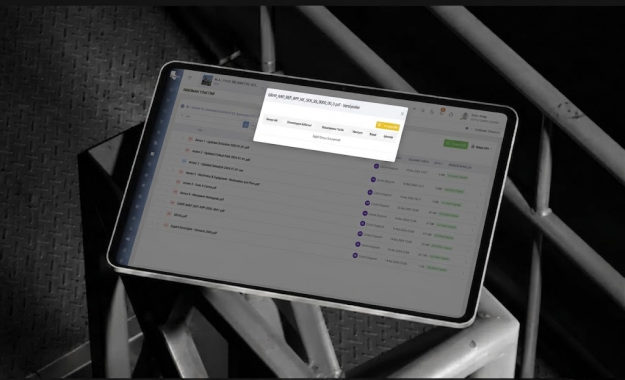
Track Revisions

Add new document versions while preserving previous revisions, changes, and the complete activity history.

Track Revisions
01

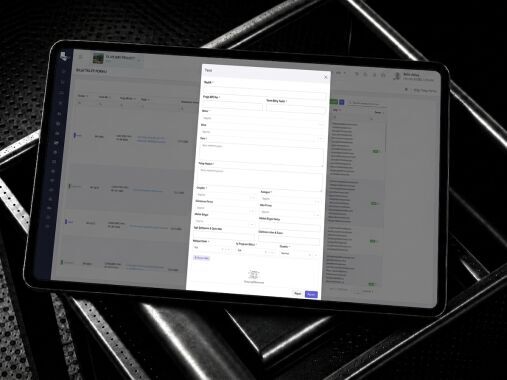
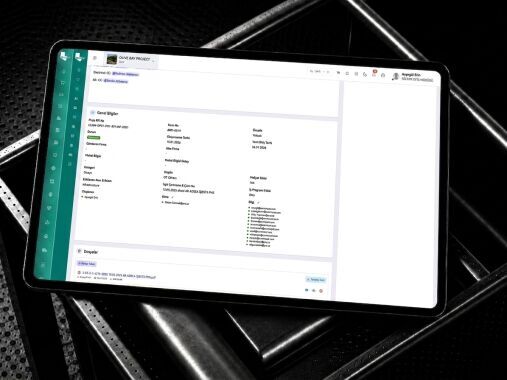
Create a Technical Request

Create an RFI, submittal, or technical review request and associate it with the relevant project, discipline, location, and documents.

Create a Technical Request
02

Assign Responsible Team Members

Define the users responsible for responding to, reviewing, and approving the request.

Assign Responsible Team Members
03

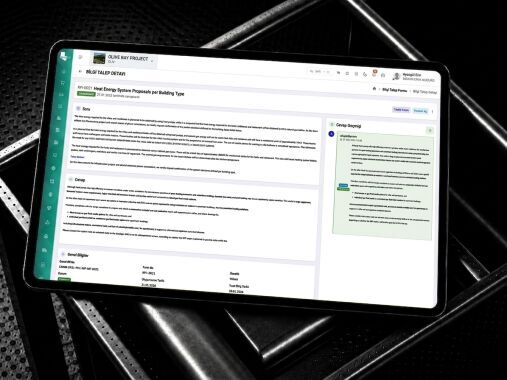
Manage Responses and Revisions

Record technical responses, explanations, revised documents, and comments from relevant stakeholders.

Manage Responses and Revisions
04

Track Decisions and Status

Conclude the process by tracking statuses such as Approved, Revision Requested, Rejected, or Awaiting Information.

Track Decisions and Status
01

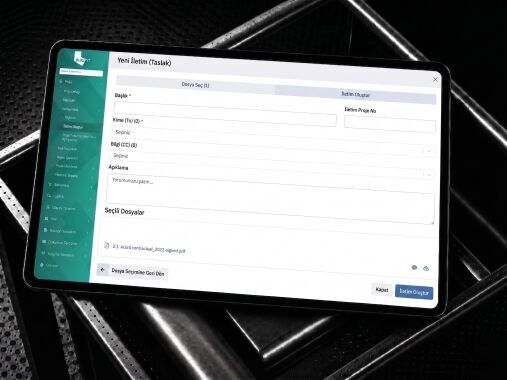
Create a Correspondence Record and Attach Documents

Create an official correspondence or transmittal record, and link the relevant drawings, reports, specifications, and project documents to the correspondence.

Create a Correspondence Record and Attach Documents
02

Define Recipients and Distribution Lists

Define the individuals and companies receiving the correspondence, along with To, CC, and distribution type details.

Define Recipients and Distribution Lists
03

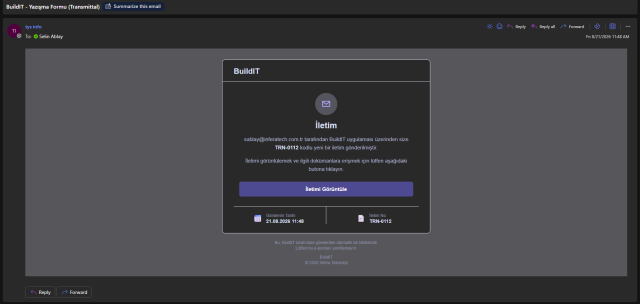
Publish the Correspondence

Send the finalized correspondence to the relevant parties and record the date of issue.

Publish the Correspondence
04

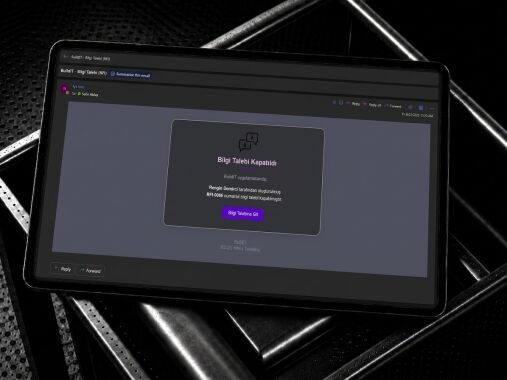
Track Delivery and Response Status

Track the delivery, viewing, response, and closure status of sent correspondence.

Track Delivery and Response Status
01

Plan the Meeting and Create the Agenda

Define the meeting date, time, location, and participants; link agenda items to the relevant project, discipline, company, or team.

Plan the Meeting and Create the Agenda
02

Track Decisions and Action Items

Record meeting decisions; assign action items to responsible individuals with target dates, and track their progress.

Track Decisions and Action Items
03

Publish the Meeting Minutes

Review and publish the meeting minutes to the relevant participants while maintaining a complete record of all decisions.

Publish the Meeting Minutes

Manage Your Processes End-to-End with BUILD IT

Integrate your design processes with BUILD IT’s other solution areas and manage project data seamlessly from design through to site execution.