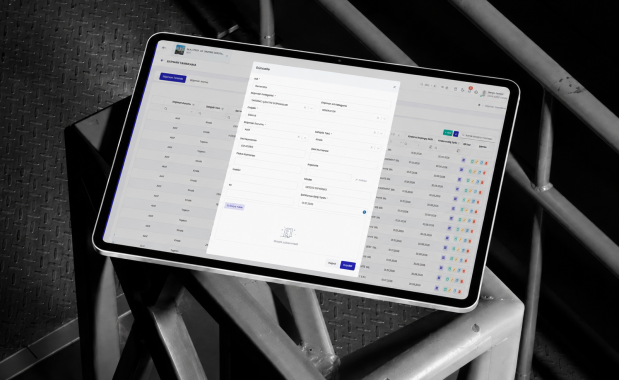
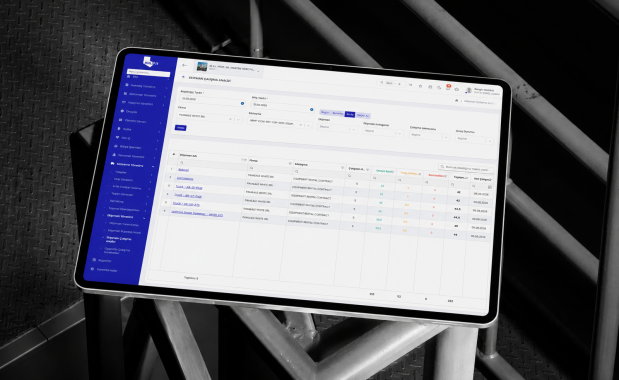
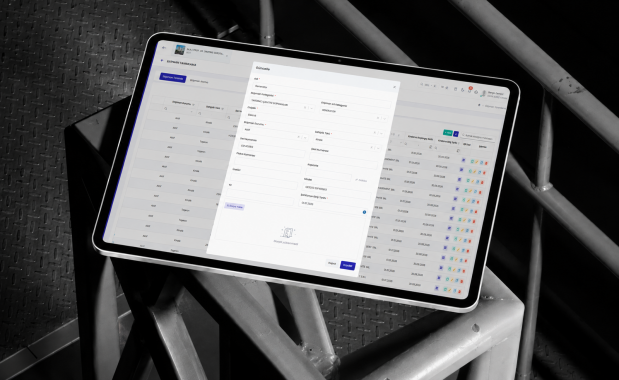
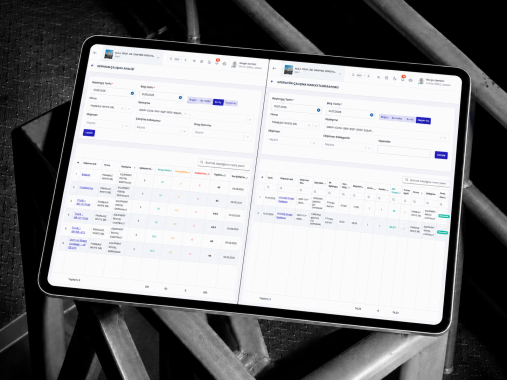
Manage your employees, subcontracted staff, shifts, timesheets, administrative processes and equipment movements in a way that keeps them up to date and trackable, all via a single platform.

Effectively plan human and machine resources in the field by consolidating data on personnel, working hours, administrative services and equipment usage into a single, integrated structure.
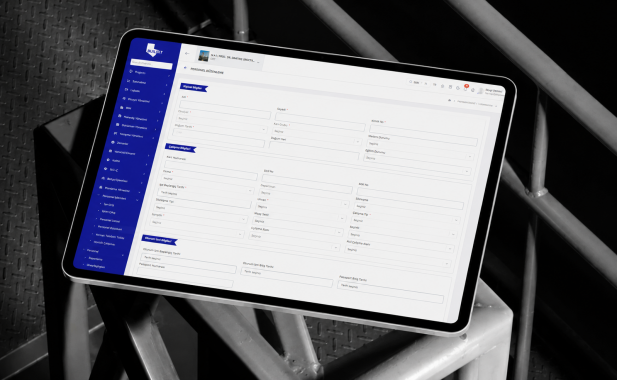
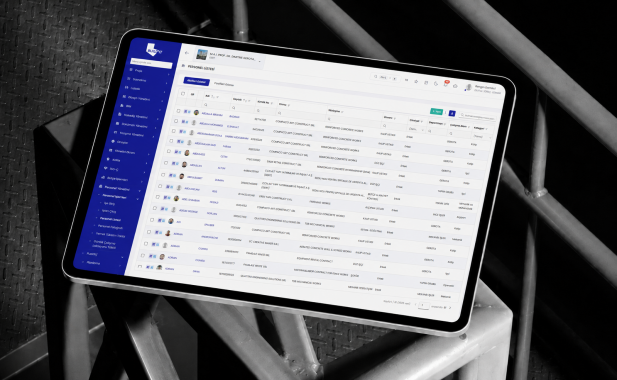
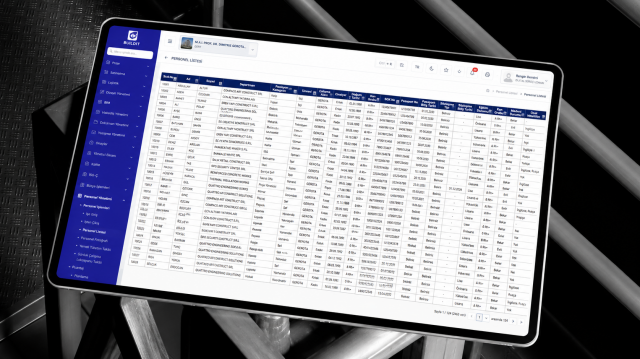
Record and track employees and subcontractor staff, including details of their company, role, profession, project, location and employment status.
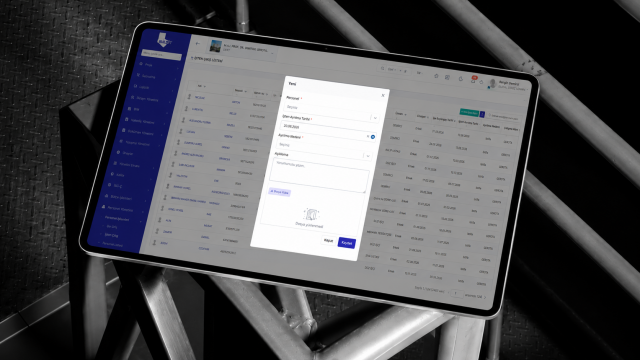
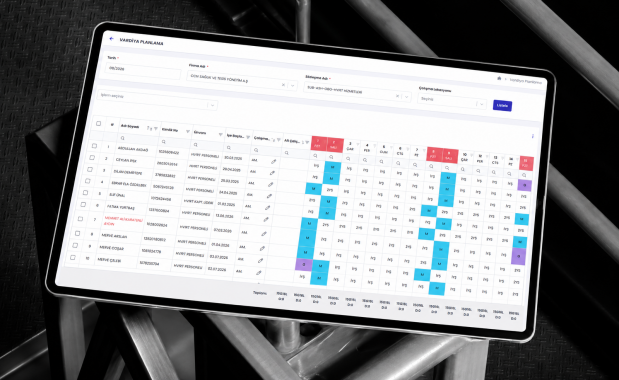
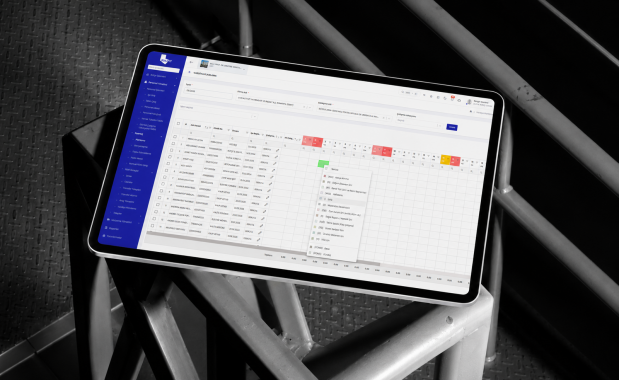
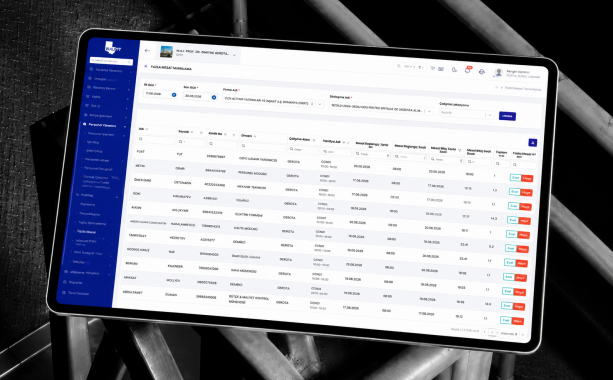
Manage staff clock-ins and clock-outs, shift schedules, daily working hours, overtime and timesheet approvals.
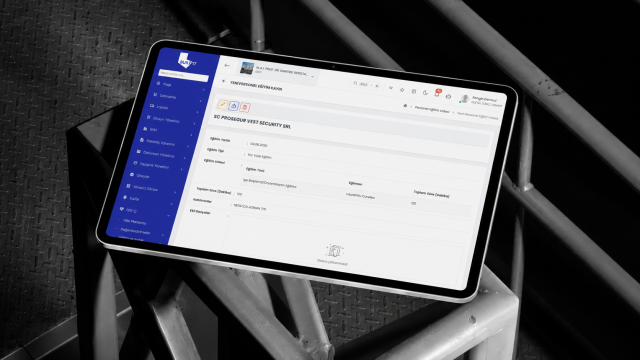
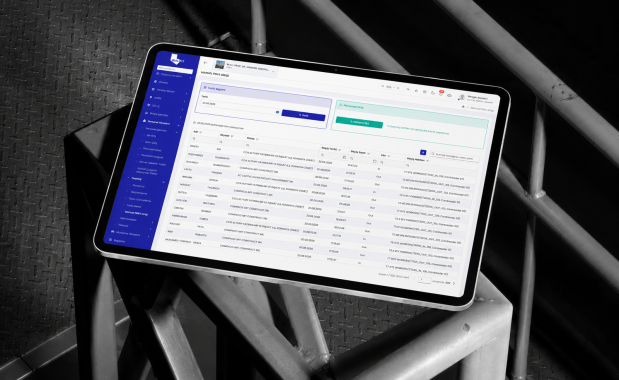
Plan and monitor meals, accommodation, services, leave, health, training and other administrative processes on an individual staff member basis.
Track equipment using details such as category, company, operator, location and operational status; record movements in the field.
Record the equipment’s daily operating, idle and downtime periods; manage usage levels through control and approval processes.
Rather than explaining the entire platform in a single flow, explore how each module works step by step.
Record and track employees and subcontractor staff, including details of their company, role, profession, project, location and employment status.
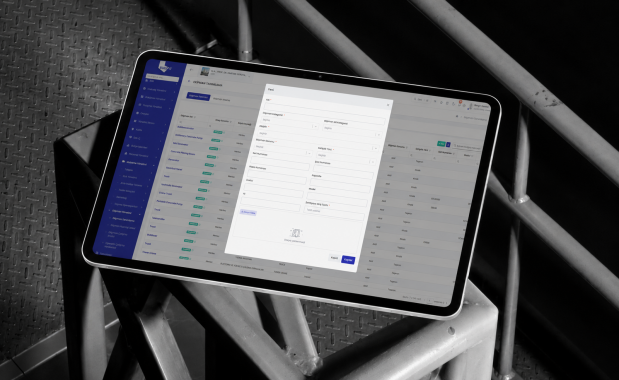
Record in the system the identity, company, role, profession, contact and project details of employees or subcontractor staff, as well as their work location, shift, start date, contract and employment status.
Link identity documents, contracts, certificates, medical certificates, and records of education and professional qualifications to staff members.
Assign staff to the relevant project, construction site, work area, company or team.
Track staff who are active, on leave, in the field, inactive or have left the company, along with their current status.
Generate staff reports based on company, role, profession, nationality, location and employment status.
Manage staff clock-ins and clock-outs, shift schedules, daily working hours, overtime and timesheet approvals.
Define working days, shift times, break durations and the weekly work schedule.
Assign staff to the relevant shifts based on the project, company, team or work location.
Record staff arrivals and departures in the system via card, QR code, biometric device or manual entry.
Automatically calculate normal working hours, overtime, under-working, leave and absences.
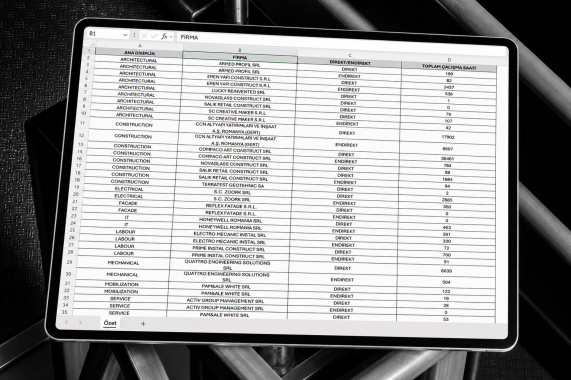
Submit the timesheets to the relevant managers for approval and report the approved working hours.
Track equipment using details such as category, company, operator, location and operational status; record movements in the field.
Register the equipment or machinery in the system, providing details such as category, make, model, registration number, serial number and ownership information.
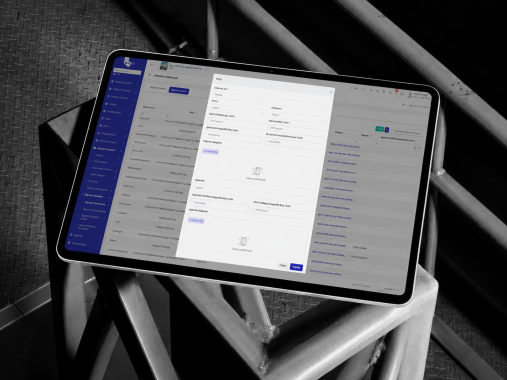
Please provide details of the company that owns the equipment, the company it is used by, the operator and the person in charge.
Track equipment statuses such as active, in operation, on standby, under maintenance, out of service, or off-site.
Generate equipment reports by category, company, location, operator, and usage status.
Record the equipment’s daily operating, idle and downtime periods; manage usage levels through control and approval processes.
Enter the equipment’s date of operation, location, operator, the company it is used by and job details into the system.
The operator scans the equipment’s QR code to record the start and end times in the system; the equipment’s operating time and usage data are automatically tracked.
Forward the equipment timesheets to the relevant site and company managers for checking and approval.
Analyse the approved working hours by cost, workload, company and equipment category.
Integrate your design processes with BUILD IT’s other solution areas; manage project data seamlessly from design through to site.