From Contract to Closing Manage the Entire Process
Manage contracts, progress payments, additional work, deductions, claims, and acceptance processes in a controlled and traceable manner through a single platform.

Manage contracts, progress payments, additional work, deductions, claims, and acceptance processes in a controlled and traceable manner through a single platform.
Manage all commercial, financial and operational processes—from the start of the contract through to final acceptance—via a single data structure.

Record the terms of the contract, addenda, advance payments, guarantees, duration and payment terms; keep track of any changes and the current status of the contract.

Link completed works to contract items; manage the processes for preparing, checking and approving progress payments.

Track non-contractual works, requests for additional work and all types of deductions alongside the payment and contract processes.

Manage time, cost and scope requirements; document provisional acceptance, final acceptance and contract closure procedures.
Rather than explaining the entire platform in a single flow, explore how each module works step by step.
Record the terms of the contract, addenda, advance payments, guarantees, duration and payment terms; keep track of any changes and the current status of the contract.
Enter the subcontractor, scope of work, contract value, currency, start and end dates, and payment terms into the system.
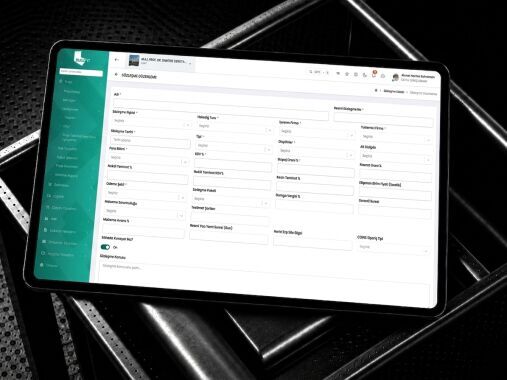
Create the work items, quantities, units and unit prices covered by the contract.
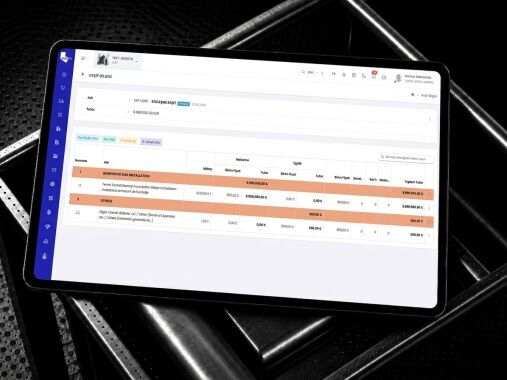
Keep track of advance payments, advance guarantees, final guarantees and their expiry dates.
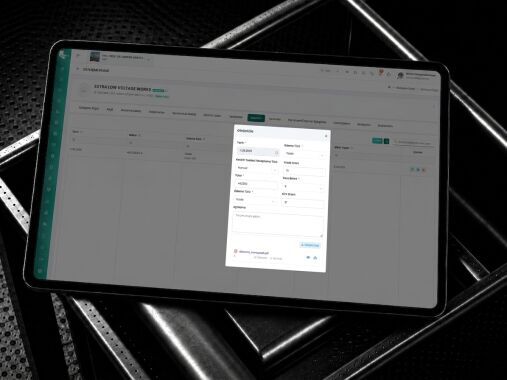
Record any changes to the contract price, duration, scope and terms as a new revision or addendum.
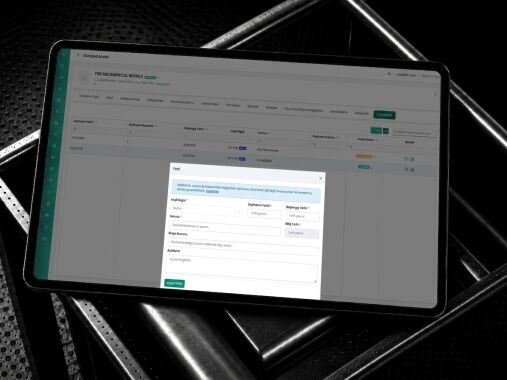
Track the contract value, progress, payments, outstanding work and security status all on a single screen.
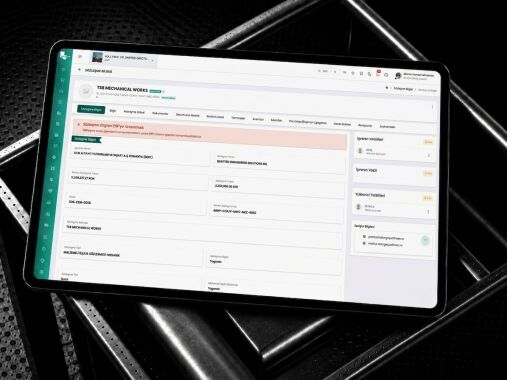
Link completed works to contract items; manage the processes for preparing, checking and approving progress payments.
Define the relevant period in the system by specifying the start and end dates for the payment claim.
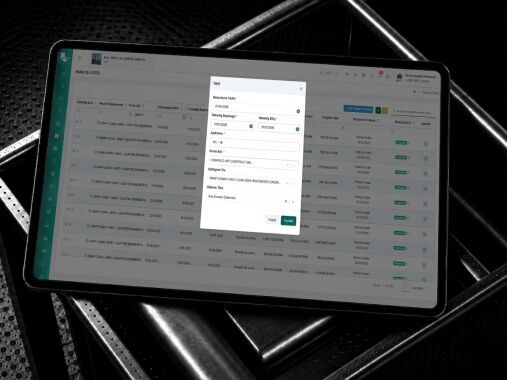
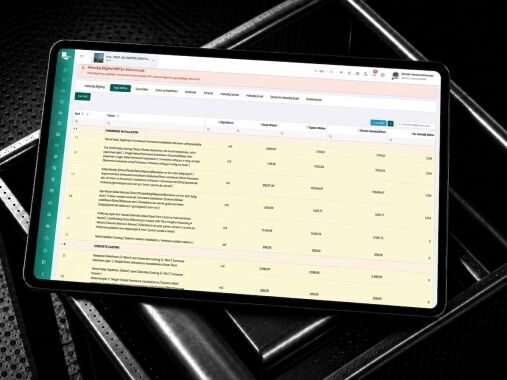
Record the quantities of work completed on site against the contract items.
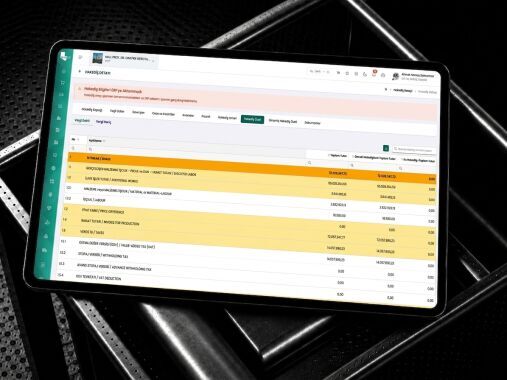
Calculate the periodical and cumulative production values, price differences, advance payments and deductions.
Upload the measurements, reports, photographs, invoices and other documents supporting the payment claim to the system.
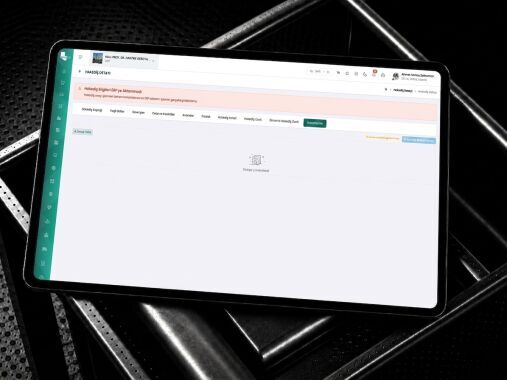
Submit the payment claim to the relevant departments for checking and approval; finalise it by making any necessary revisions.
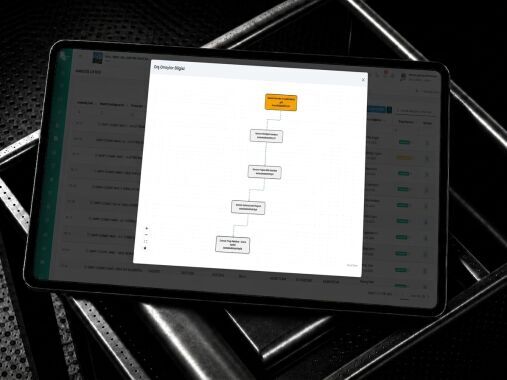
Track approved, invoiced and paid progress payments under separate statuses.
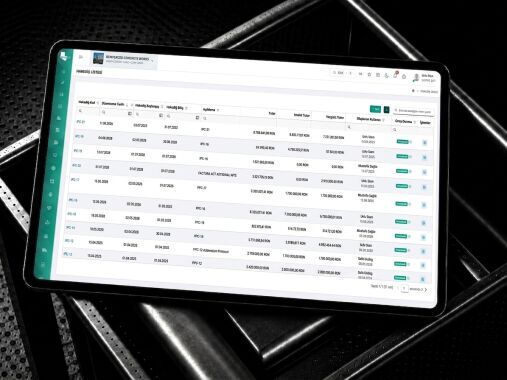
Additional Work and Interruption Management
Add any work or service not covered by the contract to the system, together with a description, justification and the relevant site record.
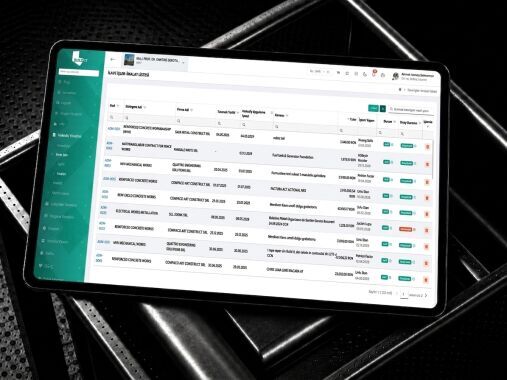
Determine the quantities, unit prices, total amount and time impact relating to the additional work.
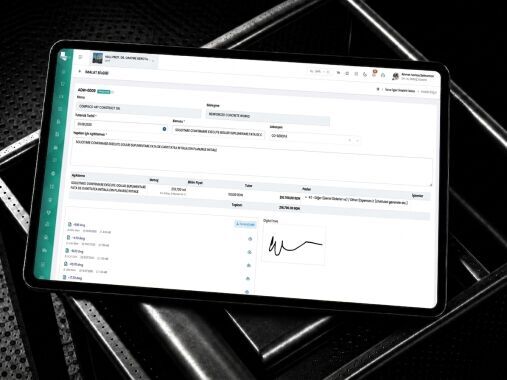
Document the decision-making process by submitting the request for additional work to the relevant technical, commercial and management approvals.
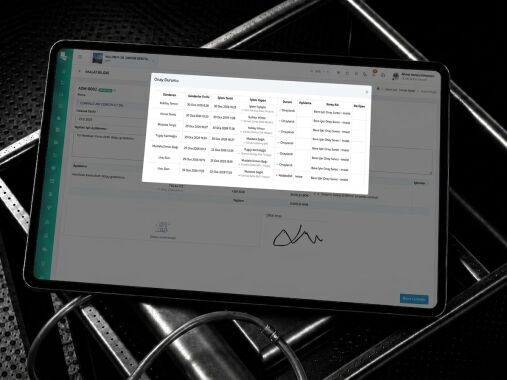
Link the approved additional works to the relevant payment period and the contract amendment.
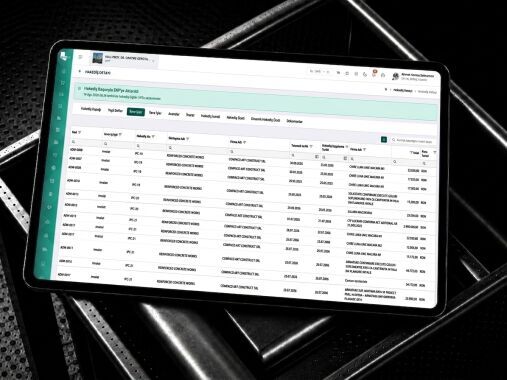
Define penalties, damages, incomplete work, materials, advances, security deposits and other types of deductions.
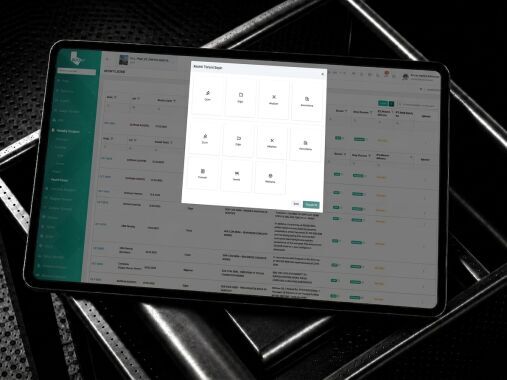
Track the total impact of additional works and deductions on the contract price, progress payments and the outstanding balance.
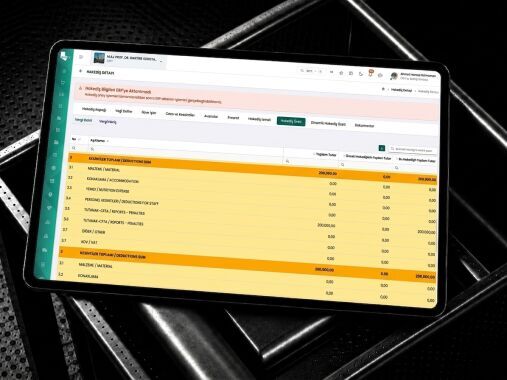
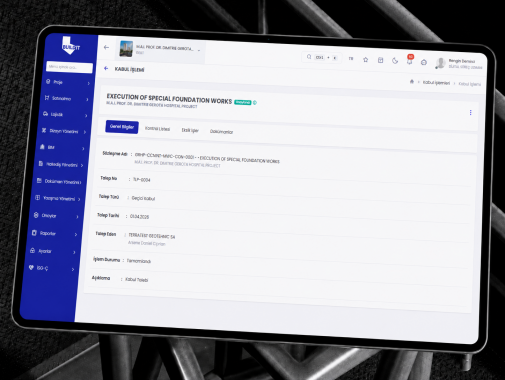
Manage time, cost and scope requirements; document provisional acceptance, final acceptance and contract closure procedures.
Create a request arising from a change in duration, cost or scope; attach the contract clauses, correspondence and supporting documents.
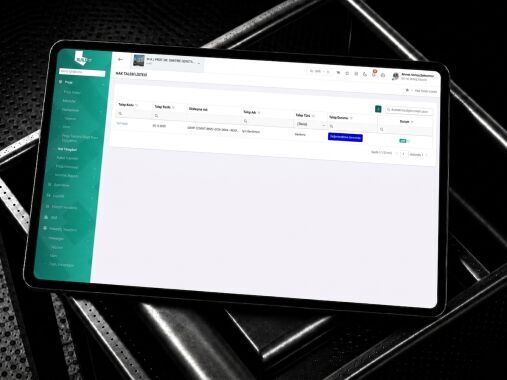
Assess the impact of the request on the timeframe, cost, work programme and scope of the contract; submit it to the relevant parties for approval.
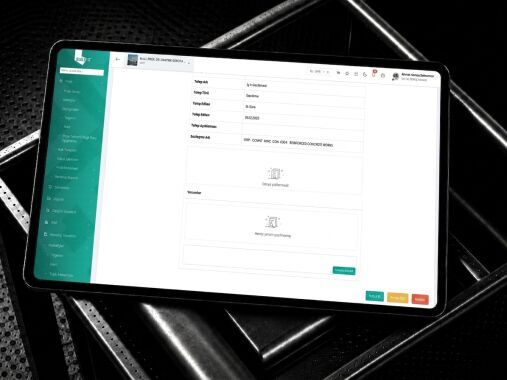
Record any incomplete or defective work; complete the provisional acceptance, warranty period and final acceptance procedures.
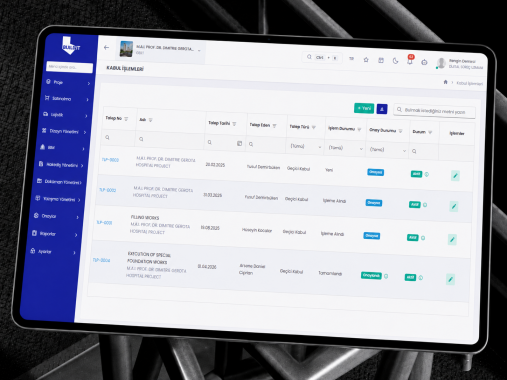
Close the contract by completing the final payment, security deposit refund, final accounts, outstanding claims and checks for incomplete work.
Integrate your design processes with BUILD IT’s other solution areas; manage project data seamlessly from design through to site.